



Left Hand in CS 2: How to Switch to Left Hand View



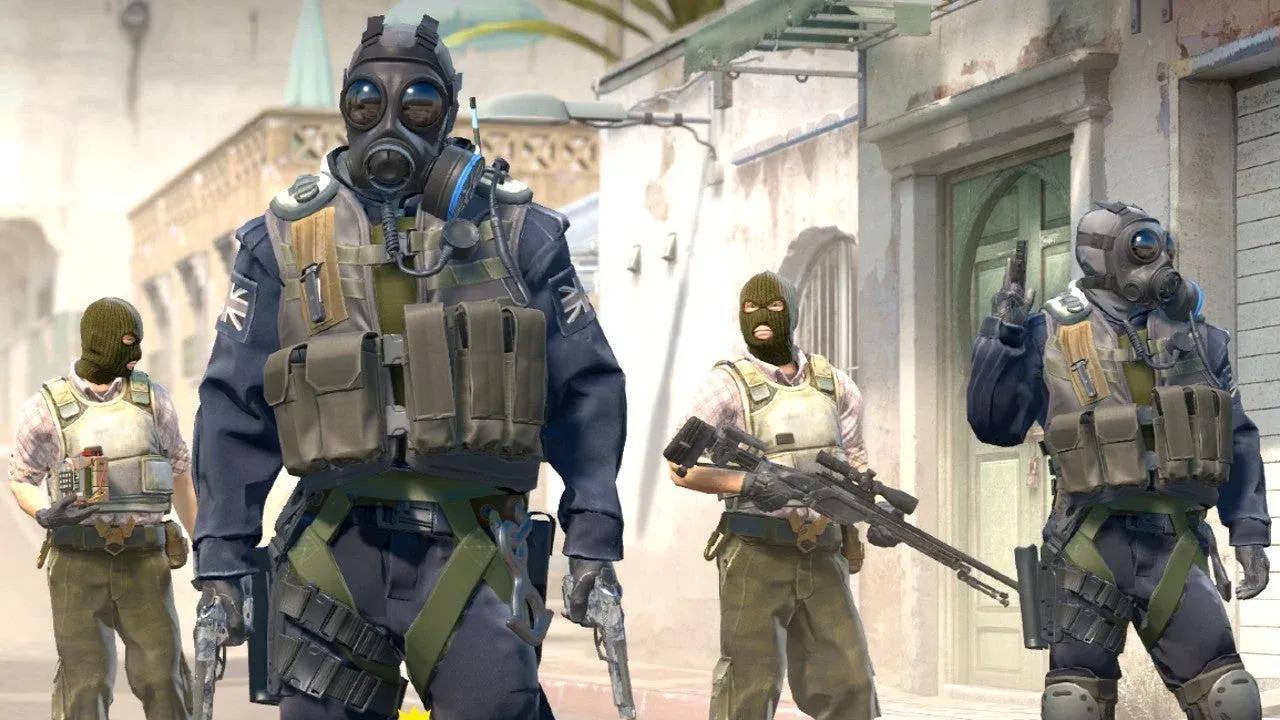
On April 26, CS 2 officially added the option to switch hands. To change the hand position, press the "H" key.
By default, weapons in CS 2 are displayed on the right side of the screen. This can be frustrating for many players who are accustomed to a different hand placement in previous versions of the game. This article explains how to set the left hand in CS 2.
How to Set the Left Hand in CS 2

Unfortunately, this feature is currently unavailable in CS 2. In CS, the command cl_righthand 0 was used to switch to the left hand, while setting it to one switched back to the right hand. This command is not present in CS 2.
There is a possibility that Valve will reintroduce this feature in the future.


 Onnistunut kopiointi... Kiitos, että jaat sisältöämme!:



5% talletusbonus 100 jalokiviin asti

0 % maksuja ihotalletuksista ja -nostoista.





11% talletusbonus + FreeSpin


YLIMÄÄRÄINEN 10% TALLETUSBONUS + ILMAISET 2 PYÖRÄKIERROSTA

Ilmainen tapaus ja 100% tervetuliaisbonus


5 ilmaista tapausta, päivittäinen ilmainen & bonus

3 ilmaista tapausta ja 5 % bonus lisätään kaikkiin käteistalletuksiin.

+5% talletukseen




Kommentit
agree
very interesting
ok
confirm